Why row-by-row comparison fails
If a single row is inserted near the top, every row below it shifts. A naive comparison then reports almost the whole sheet as changed. Sorting both files first helps, but it still fails when rows are added or removed.
Compare by a key column
Pick a column that uniquely identifies each row and does not change between versions: an ID, SKU, invoice number or email address. Rows are matched on that key, so insertions and reordering no longer matter.
- Good keys: customer ID, SKU, invoice number, email
- Poor keys: names, descriptions, row numbers
The four results that matter
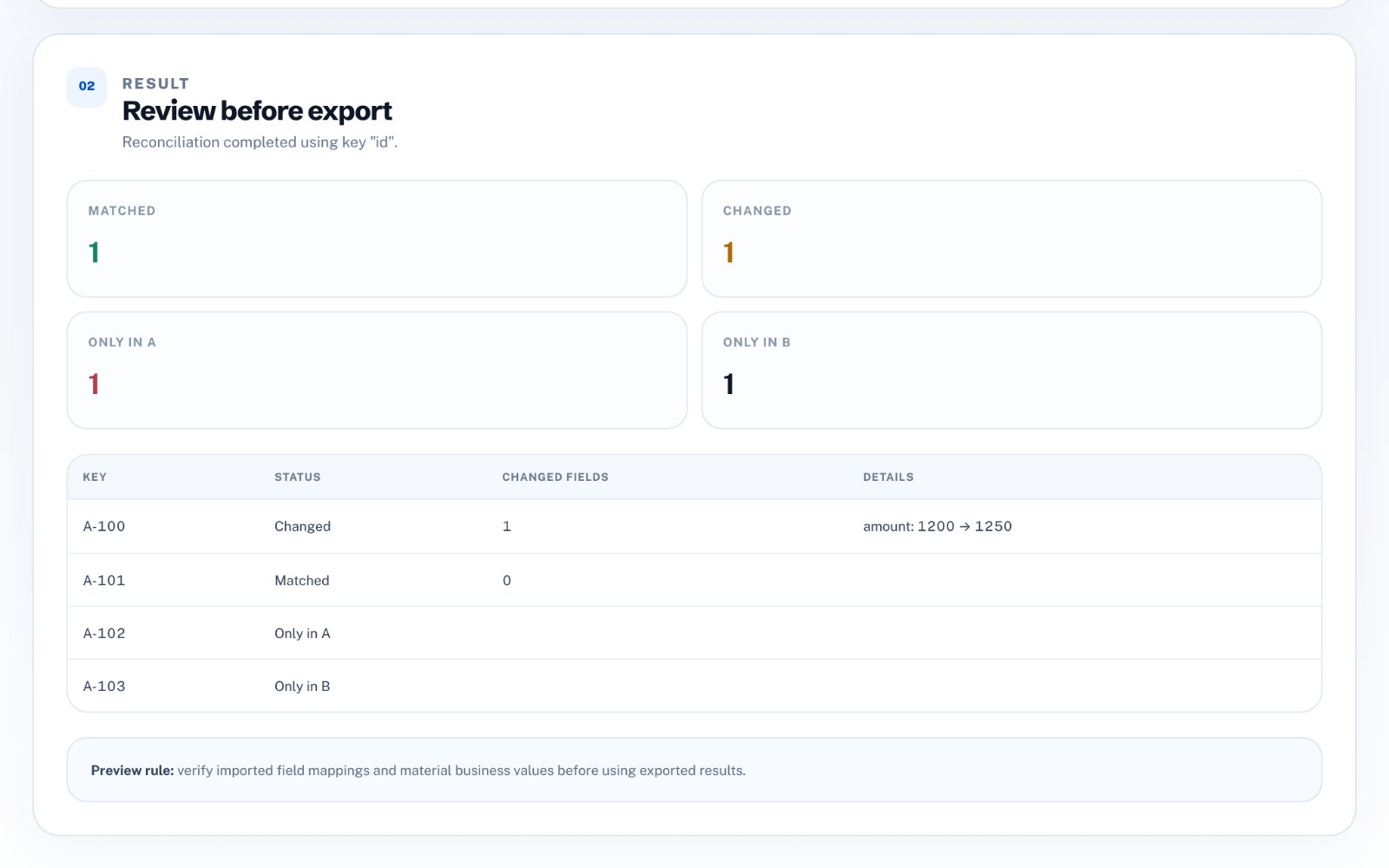
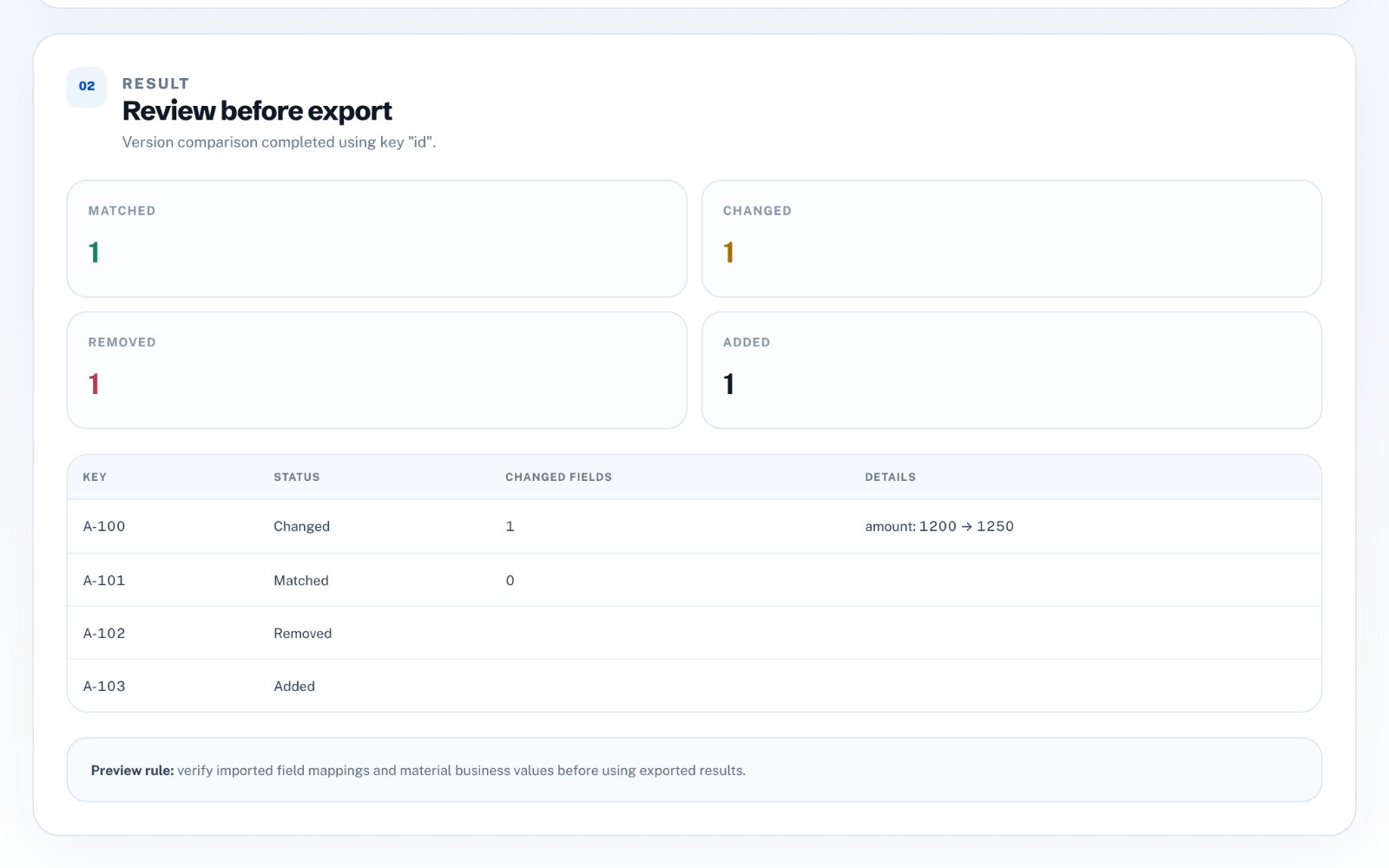
Once rows are matched by key, every record falls into one of four groups. For changed rows, the useful detail is which cells changed and what the old and new values were.
- Matched - present in both and identical
- Changed - present in both with different values
- Removed - only in the old file
- Added - only in the new file
Watch out for false differences
Formatting differences can look like real changes: 1200 versus 1,200.00, trailing spaces, or dates written in different formats. Normalize numbers and trim text before comparing, and check duplicate keys-two rows with the same ID make any comparison ambiguous.
The Excel formula approach
In Excel or Google Sheets you can use XLOOKUP or VLOOKUP to pull each key's values from the other sheet, then compare the columns with IF. It works for small files but becomes slow and fragile with many columns, and it does not easily list rows that exist only in one version.
Compare files without formulas
zastech Spreadsheet Diff & Change Tracker loads two CSV or XLSX versions in your browser, matches rows on the key you choose, and lists added, removed and changed rows with the exact field differences. You can export the change list as CSV. Files are processed locally, and the first three exports are free.