This article is about document workflow and organization, not legal advice. Contract requirements vary by jurisdiction and situation.
Keep feedback outside the final agreement
Record each client comment as a review item with the affected section, date, status and resolution. The final agreement should contain the agreed text-not the internal conversation that led to it.
Comments, questions and alternatives belong in a review log, not in the agreement text. When feedback is typed straight into the contract, it is hard to tell which wording is agreed and which is still a suggestion.
- Affected section
- Requested change or error
- Status
- Resolution or decision
- Date
Save versions at decision points
Do not create a new version for every typo. Save a snapshot when the draft reaches a meaningful milestone such as first client draft, negotiated revision or approved final draft.
Save a version whenever something is decided: after the first draft, after each round of client feedback, and immediately before signature. Saving at decision points keeps the history short enough to be useful.
Use version notes that explain why
A note such as “updated contract” is not useful later. Record what changed and why so the version history still makes sense weeks or months later.
A note such as "Payment terms changed to Net 30 at client request" is far more useful than "v3". Six months later, the reason matters more than the number.
Treat the final PDF as a clean output
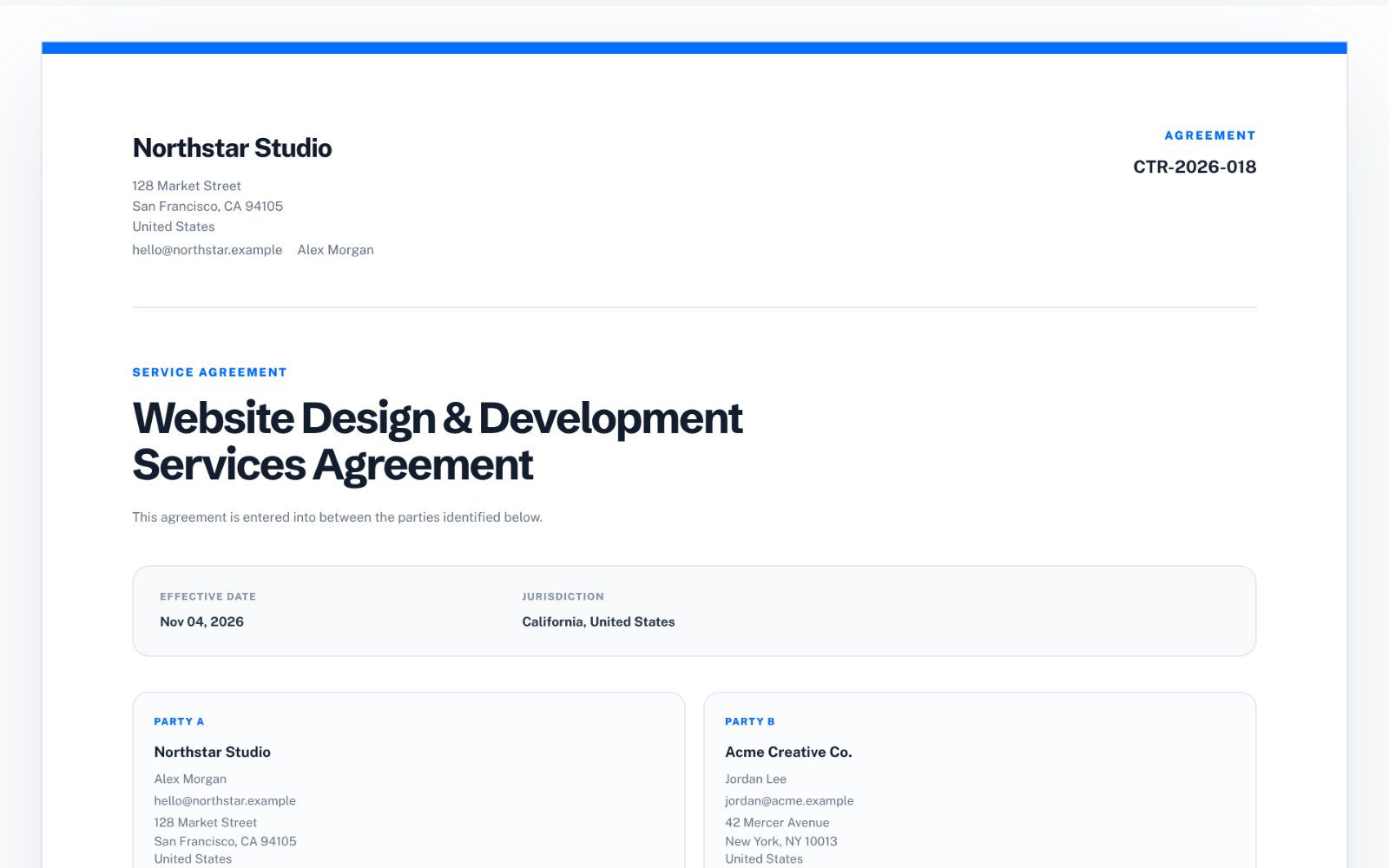
Before export, verify party names, dates, references, agreed sections and signature blocks. Keep internal review notes out of the client-facing document.
The signed PDF should contain only the agreed terms-no tracked changes, no comments and no review notes. Keep the review history separately in case you need to show how a clause was agreed.
Common contract-review mistakes
Version confusion is the main risk. It is surprisingly easy to sign a draft that is one round behind the agreed text.
- Emailing edited copies with similar filenames
- Accepting changes without recording who asked for them
- Leaving placeholder text in the final version
- Mixing comments into the signed PDF
How to do this in Contract Workspace
zastech Contract Workspace keeps agreement clauses, review feedback and version snapshots together in your browser, and exports a clean white-label PDF that contains only the agreement. It is a drafting and organisation tool, not legal advice-have important agreements reviewed by a qualified professional.