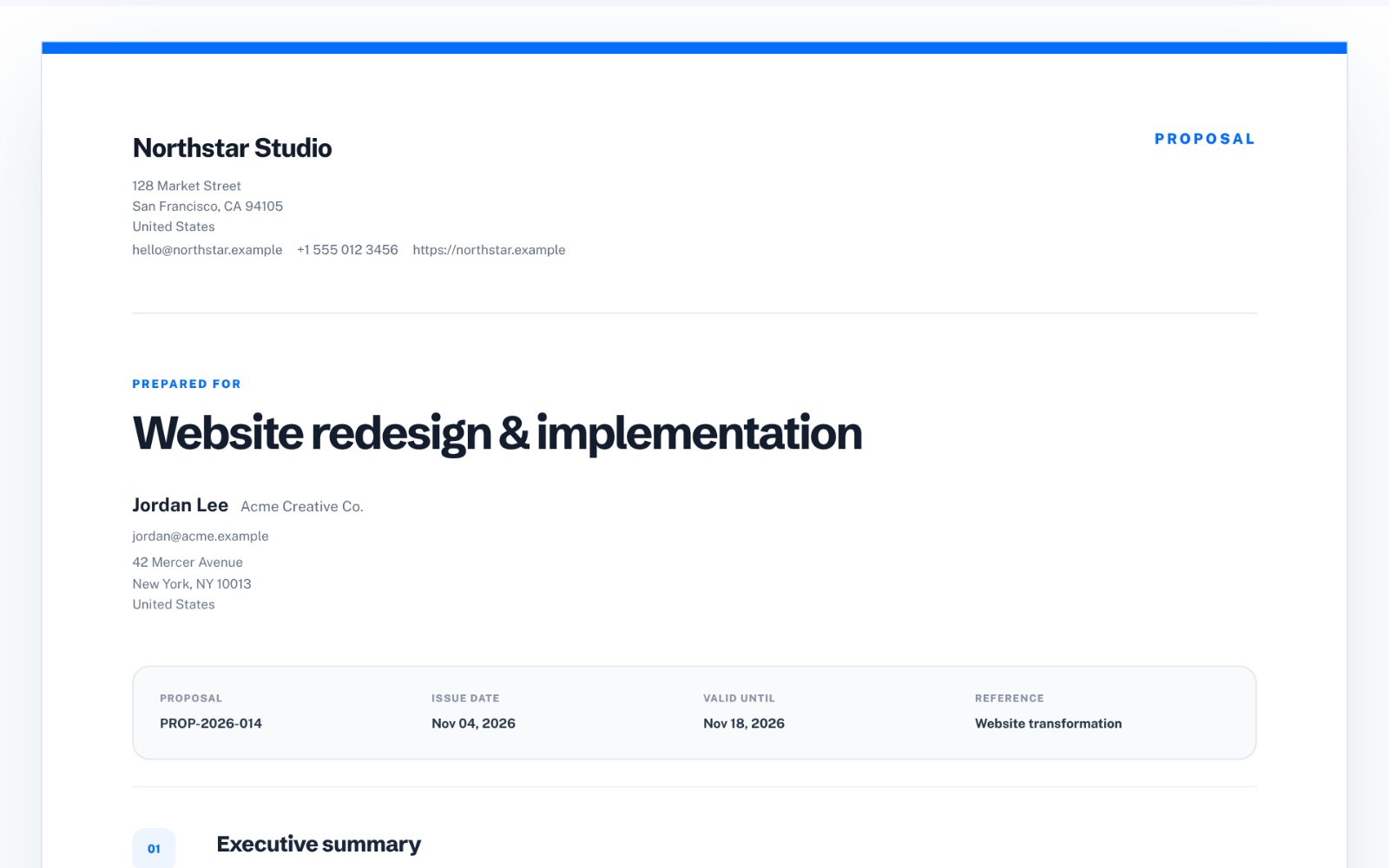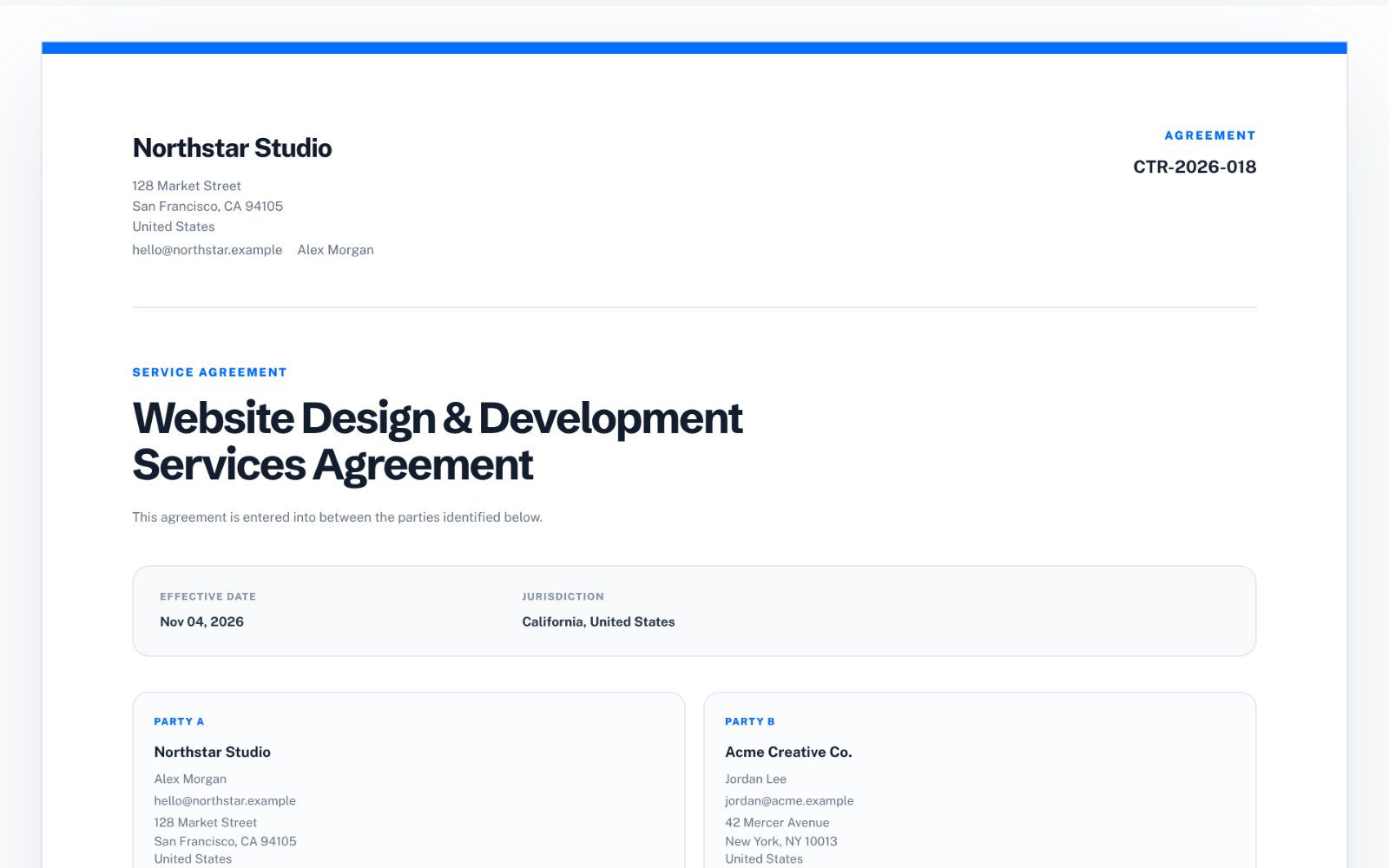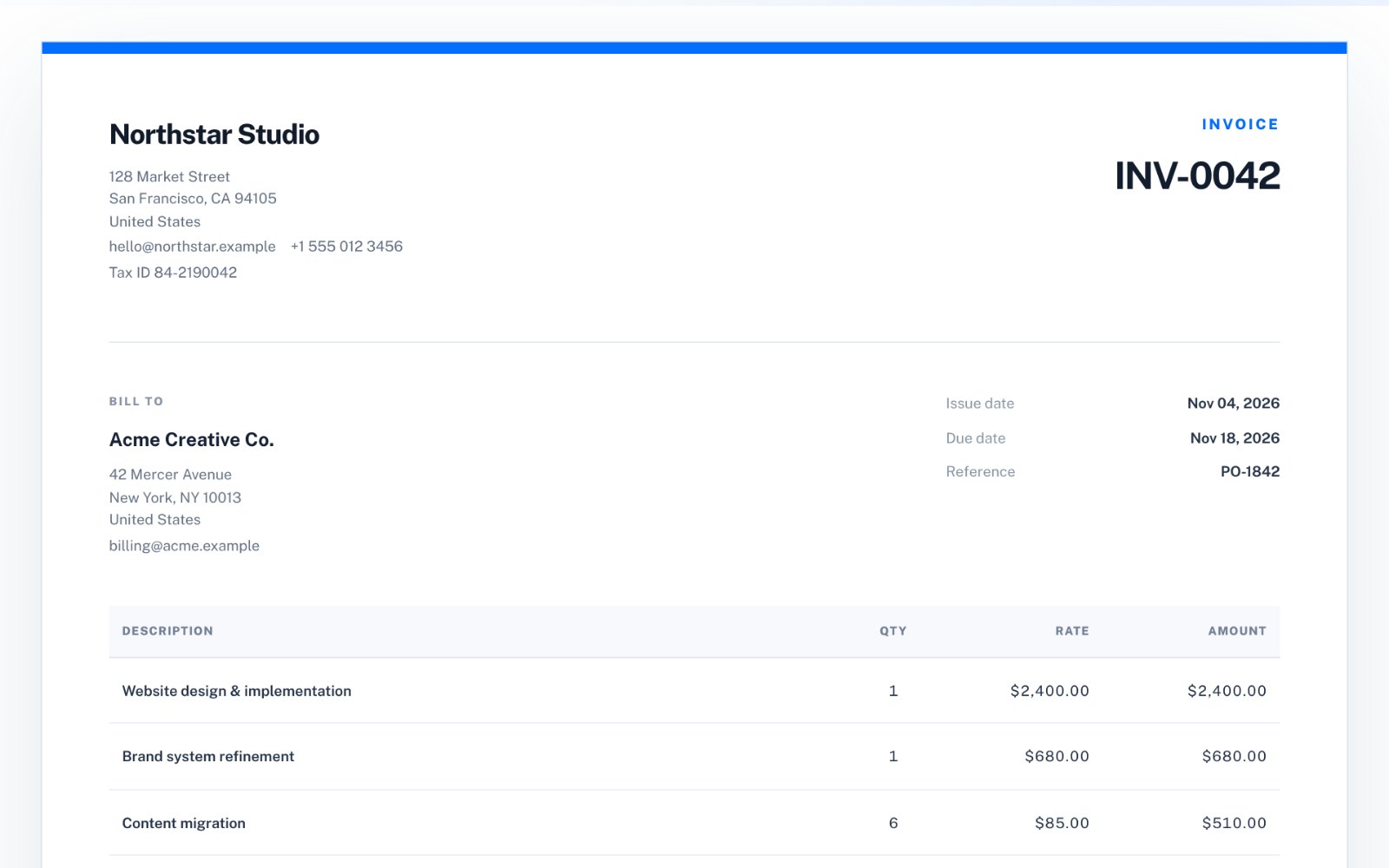
The essential fields
Every invoice should identify both parties, give the document a unique number and dates, and show exactly how the amount due was calculated. Missing any of these is the most common reason an invoice is returned instead of paid.
- Your business name, address and contact email
- Client name, company and billing address
- A unique invoice number
- Issue date and a specific due date
- Line items with description, quantity, rate and amount
- Subtotal, discount, tax and total due
- Currency
- Payment instructions
Fields that are often required
Depending on your country and your client, some extra details are expected or legally required. Larger clients frequently reject invoices that are missing their purchase order number, and registered businesses usually need to show a tax or VAT number.
If you are unsure what applies to you, check your local tax authority's guidance or ask an accountant-requirements differ between countries.
- Purchase order or client reference
- Your tax, VAT or company registration number
- The client's tax number for business-to-business invoices
- Tax rate and tax amount shown separately
Write line items the client can approve
The person approving the invoice may not be the person you worked with. Each line should make sense on its own: what was done, for which period or milestone, and how it was priced. "Website design - homepage and 4 templates (milestone 1)" is easier to approve than "Design work".
Make payment easy
State the accepted payment methods and the exact details needed, and repeat the invoice number as the payment reference. Clear terms such as "Payment due by 18 November 2026" work better than "Net 14", which leaves the client to calculate the date.
Invoice, estimate or quote?
An estimate or quote is sent before the work to agree a price; an invoice is sent after, to request payment. Use the right label and keep their numbering separate, so a quote is never mistaken for a bill.
Create a free invoice with no signup
zastech Invoice Maker gives you all of these fields on one screen with a live A4 preview. Add your logo, line items, discount, tax and payment notes, switch between invoice and estimate, and download unlimited PDFs for free with no account. Free invoices include a small "Created with zastech.dev" footer; a one-time $9 license removes it. Drafts are saved only in your browser.