Set up the accounts once
Create an "Etsy Clearing" account (a current asset or bank-type account) plus the income and expense accounts you want, such as Etsy Sales, Etsy Fees, Advertising and Postage. Keep them simple; you can always split them later.
Post one journal per deposit
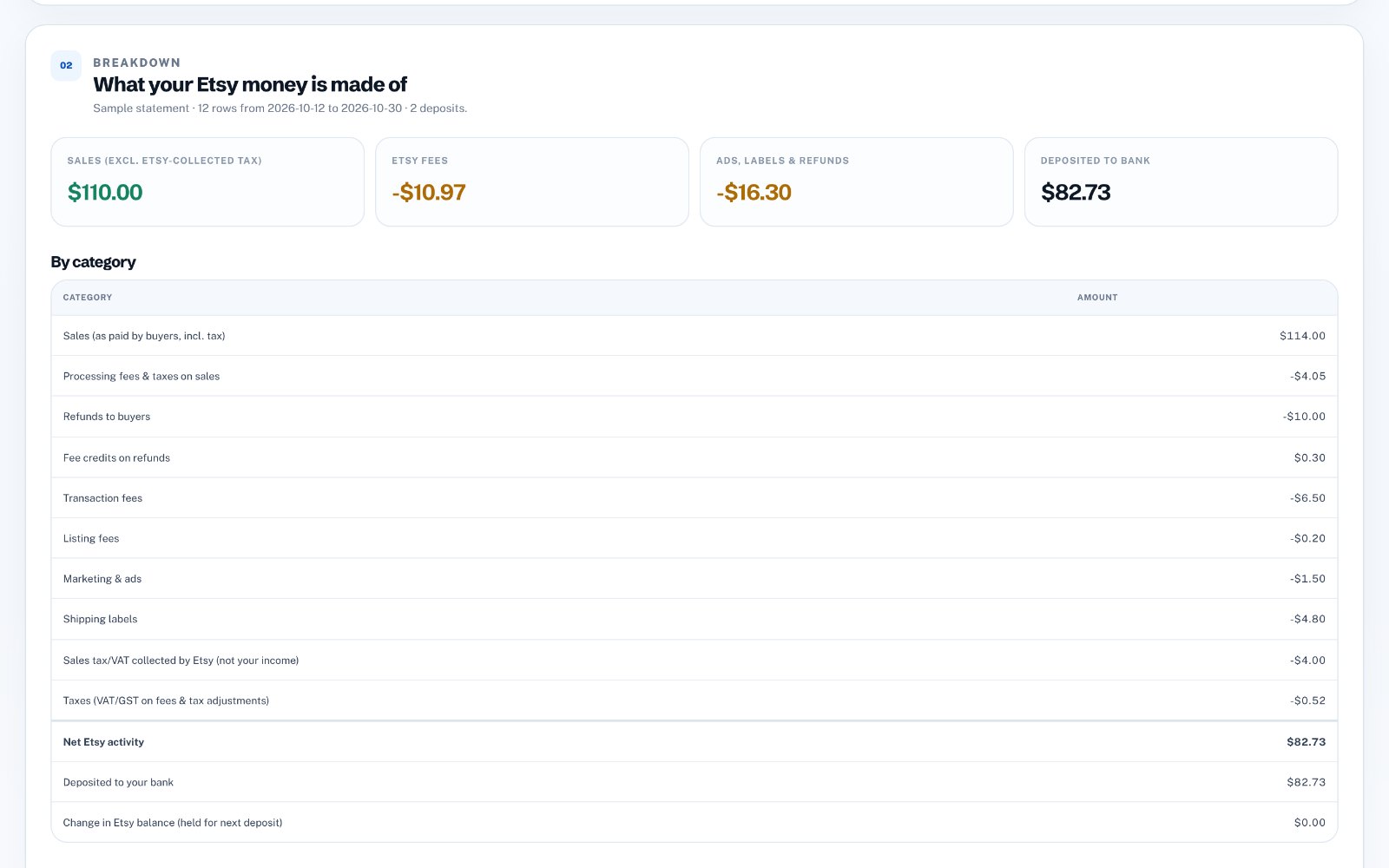
For the activity covered by each deposit, create a manual journal that credits sales, debits refunds, debits each fee category and debits the Etsy Clearing account with the net. The journal must balance, which is a good check that nothing is missing.
Handle tax correctly
Exclude any sales tax or VAT that Etsy collected and remitted from your sales figure. If you are VAT-registered, check the tax rates you use on Etsy fees with your accountant-treatment depends on your country.
Reconcile the deposit
When the Etsy deposit appears in your Xero bank feed, record it as a transfer from Etsy Clearing to your bank account. If the clearing account is not zero afterwards, the remainder is money Etsy is still holding or will pay in the next deposit.
Importing journals instead of typing them
Xero can import manual journals from a CSV file using its template columns: Narration, Date, Description, AccountCode, TaxRate and Amount. Enter your own account codes before importing and review the drafts in Xero before posting them.
Generate the Xero file from your Etsy statement
zastech Etsy Payout Breakdown turns your Etsy monthly statement into Xero manual-journal CSV rows-one balanced journal per deposit-using the account names or codes you choose. No Etsy or Xero login is required. Try it free on three statements.