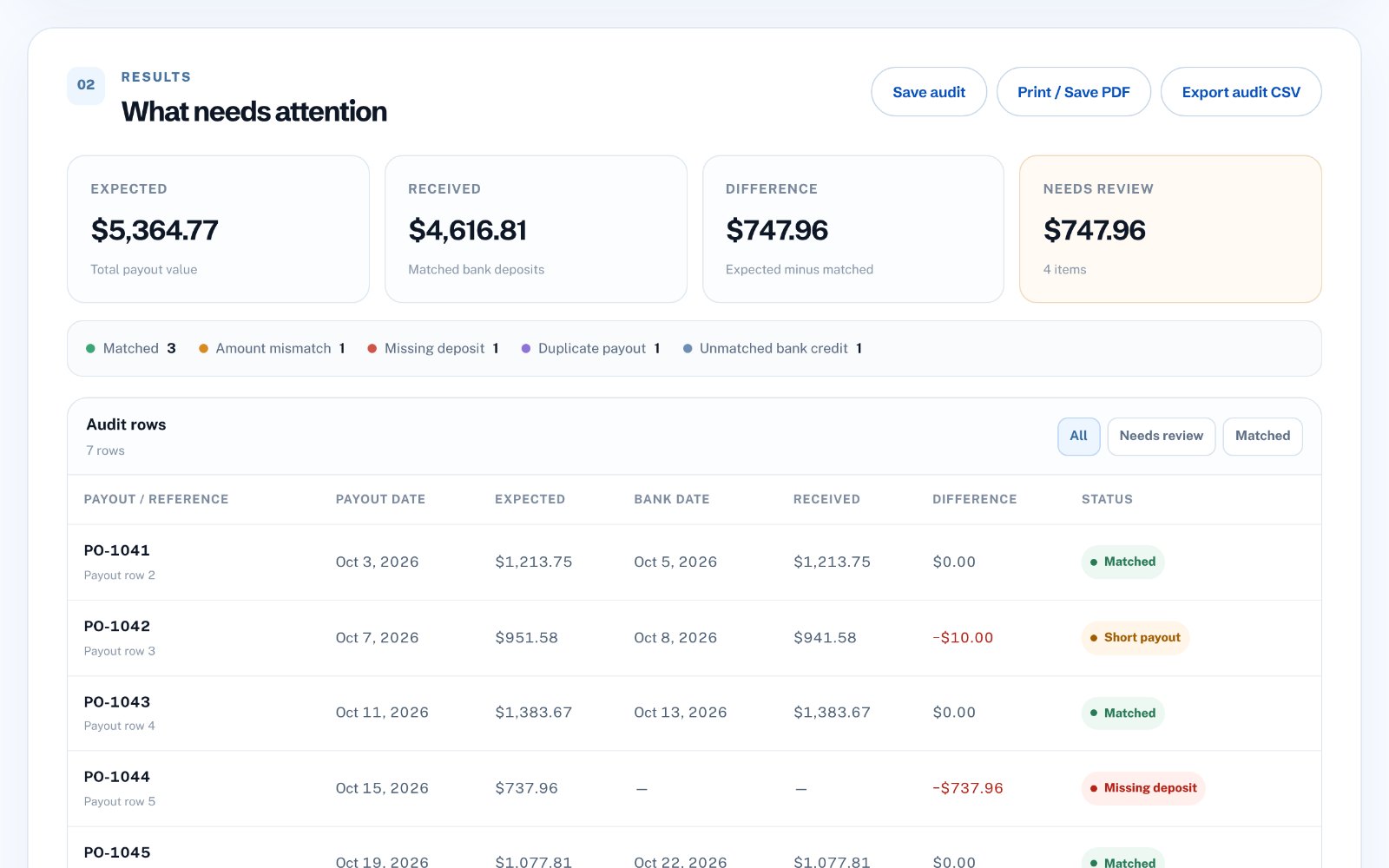
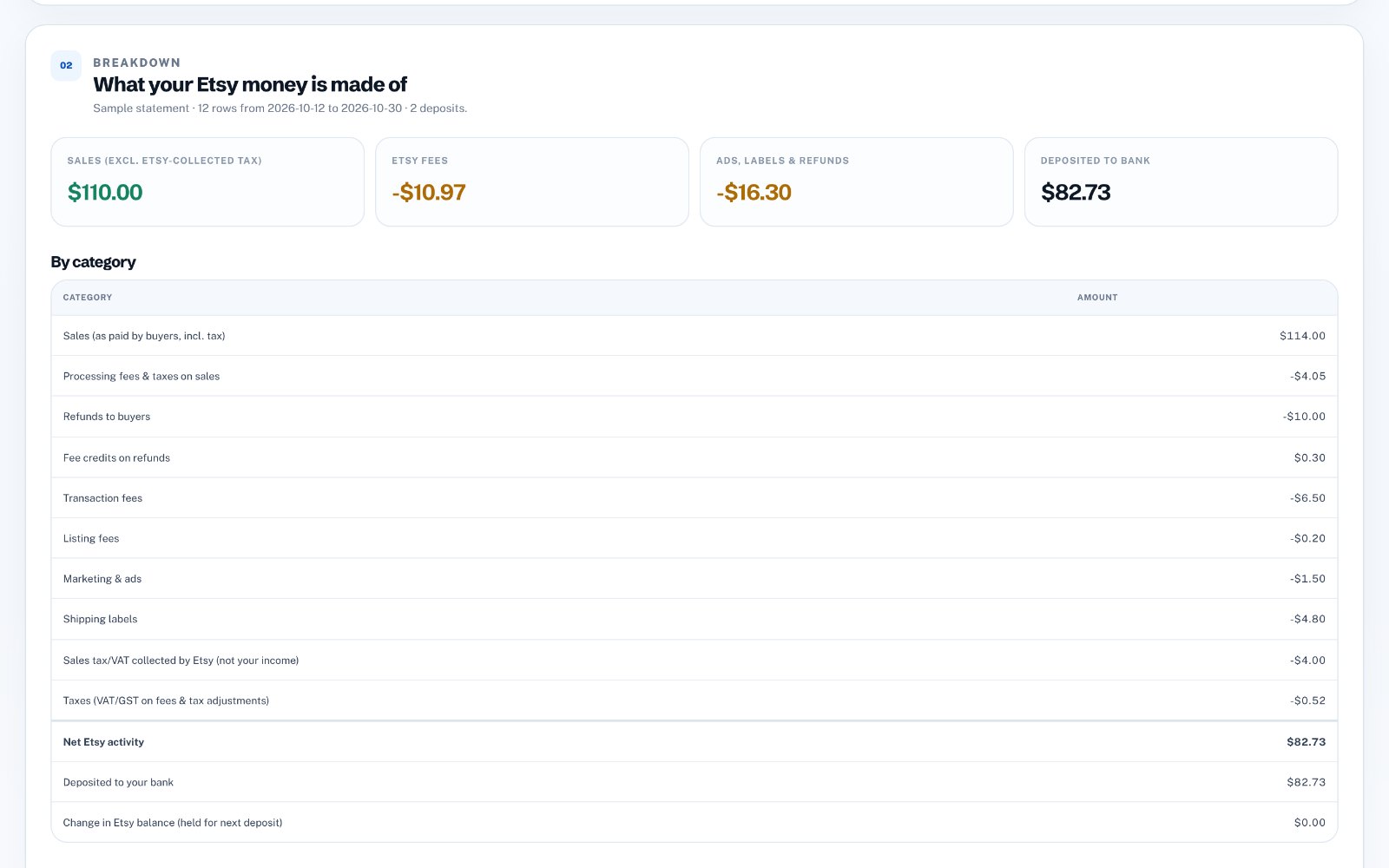
Bank statement layouts vary by bank and country. Always compare the converted totals with the totals printed on your statement before you rely on the file.
First, check whether your bank already offers CSV
Most online banking sites let you download transactions as CSV or Excel, usually next to the PDF statement or under an export or download option. If yours does, use that: it is free and needs no conversion.
The PDF is still the official statement, so you may need it when the CSV covers a different date range, the bank only keeps exports for a few months, or someone sends you a statement as a PDF.
Why copy and paste breaks
A PDF stores text by position on the page, not as a table. When you paste it into Excel, a whole row often lands in one cell, long descriptions wrap onto a second line, and the debit and credit columns run together.
Amounts cause the most trouble. Some banks show money out with a minus sign, some put it in its own column, and some add CR or DR. Dates can be in day-month or month-day order. Each of these needs fixing before the numbers can be added up.
Text PDF or scanned PDF?
Try to select a word in the PDF with your mouse. If you can, it is a text PDF, which is what online banking normally produces, and it can usually be read directly.
If you cannot select anything, the statement is a scanned image. It needs OCR (text recognition) first, which is slower and makes more mistakes, so the totals check below matters even more.
Convert it in a few steps
The steps are the same whichever tool you use.
- Open the statement and note the opening balance, closing balance and the totals of money in and out
- Convert the PDF to rows with date, description and amount
- Make sure money out is negative and money in is positive, in one amount column
- Set the dates to one format
- Export to Excel or CSV
Check the totals before you use the file
Add up the amount column. Opening balance plus that total should equal the closing balance printed on the statement. If your bank prints totals for money in and money out, check those too.
If the numbers do not match, look for a transaction split across two lines, a page header read as a transaction, or a credit counted as a debit. Fixing those usually closes the gap.
- Opening balance
- plus the sum of all transactions
- equals the closing balance
Do it without uploading your statement
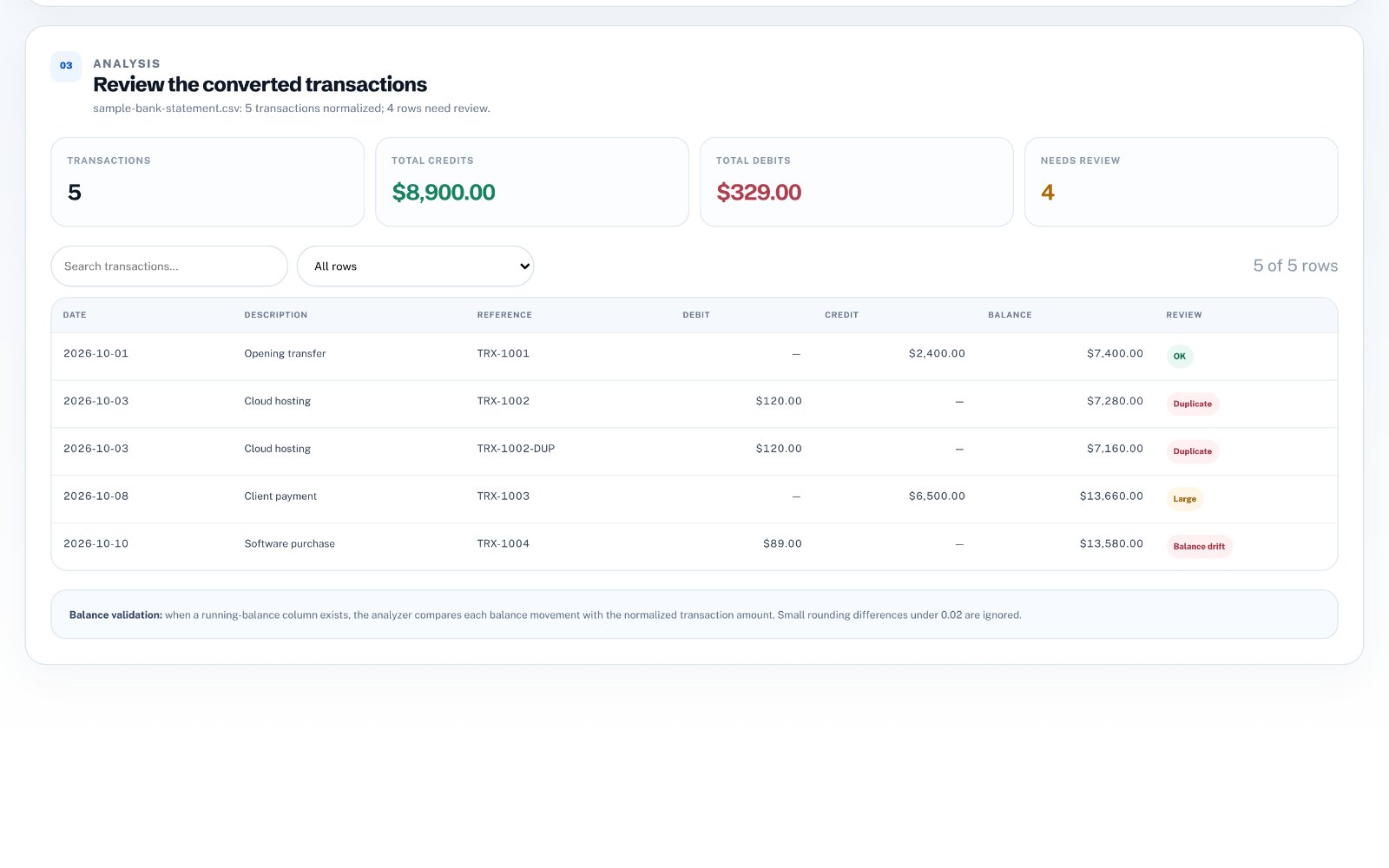
Bank statements are private, so be careful with free converter websites that upload your file to their server. Bank Statement Converter works in your browser: it turns text PDF and CSV statements into clean rows with one signed amount column and consistent dates, flags rows worth reviewing, and exports to Excel or CSV.
Your statement stays on your computer. It costs $29 once, with no subscription.